




















Albaraka Mobile
Albaraka Mobile: A Bank in Your Pocket!
Easily manage your banking transactions with the new Albaraka Mobile, designed with innovative, tech-driven solutions to handle your transactions effortlessly and give you more time for what matters most.
Start Using It Now!
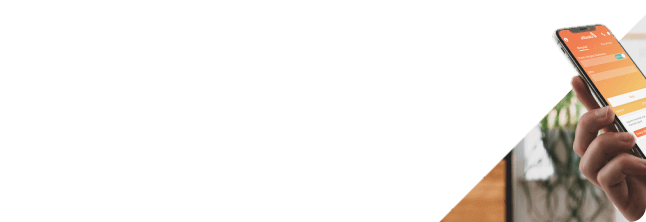
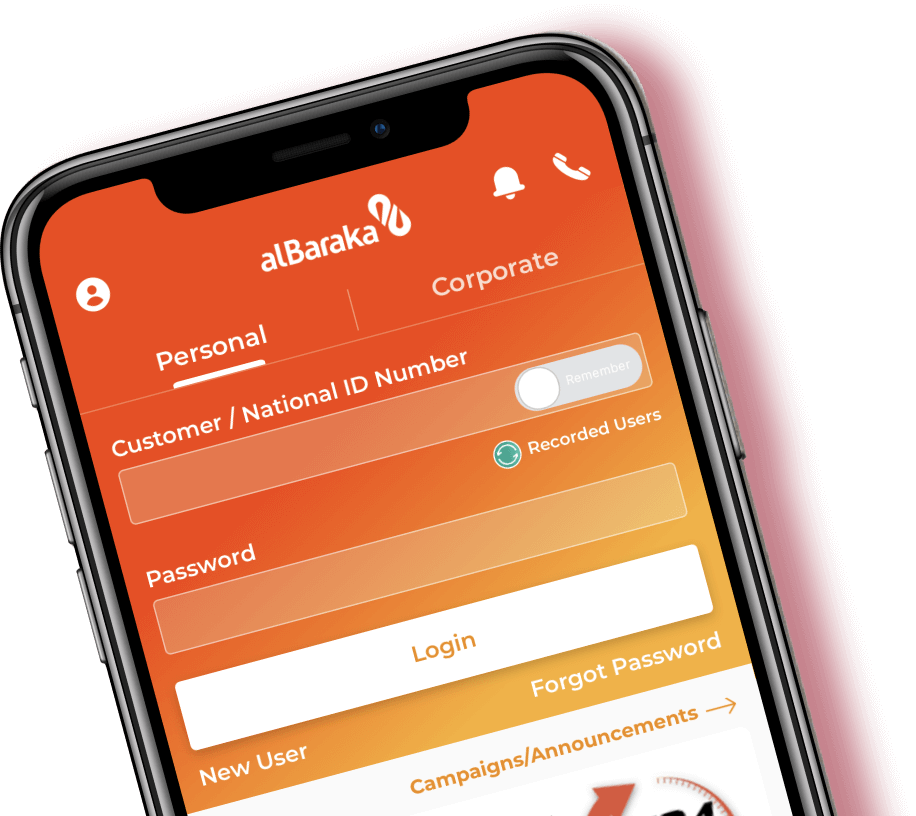
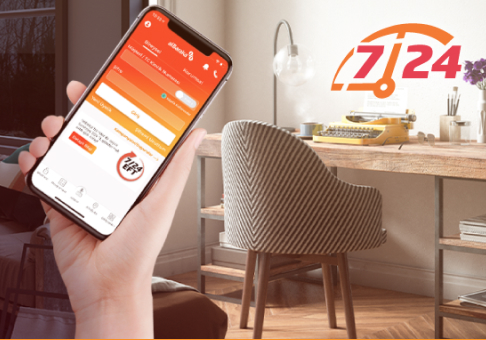
Albaraka Mobile is our app crafted to make banking transactions simple and convenient from your mobile device. Featuring an intuitive interface built on the latest technology and design trends, it provides 24/7 service for our customers.

IOS 12.0 or later

Android 6 or later
New Features
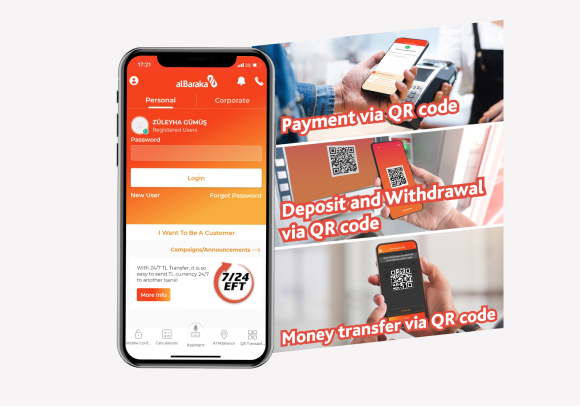
QR Transactions
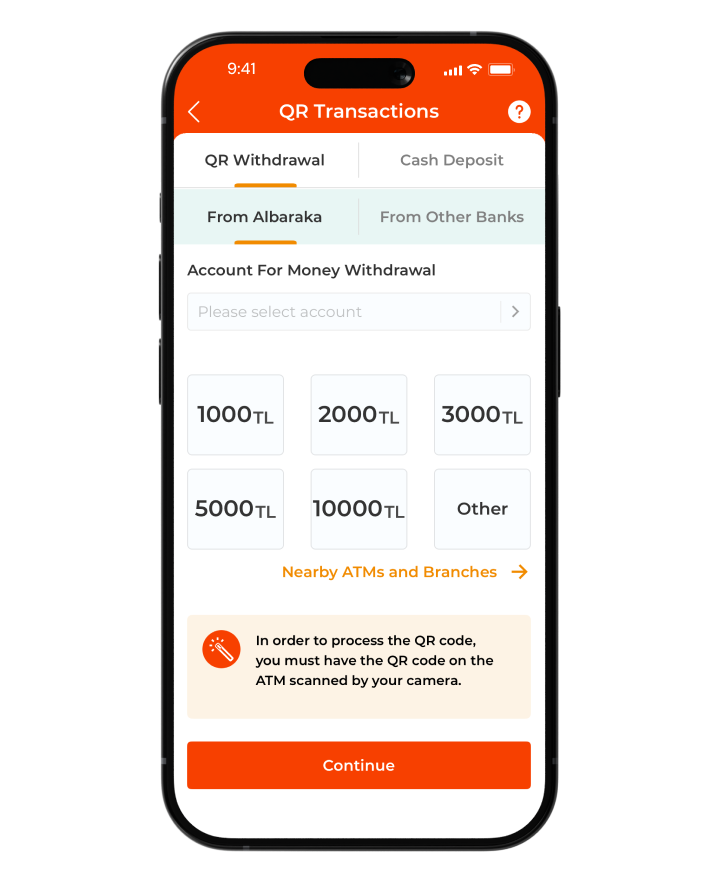
Thanks to the QR code, you can easily make your deposit/withdrawal, money transfer and payment transactions through the POS device!
.png)
Mobile Confirmation
Instead of receiving an SMS, you can easily complete your Internet Branch logins and transaction approvals by simply tapping the notification received in Albaraka Mobile.
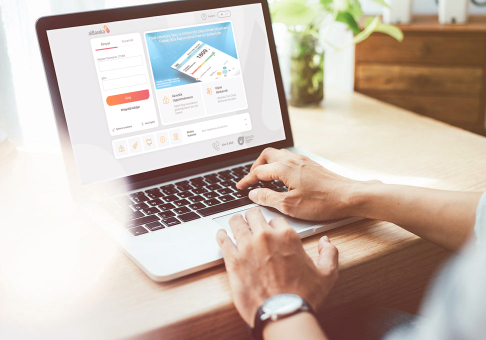
e-Government Portal
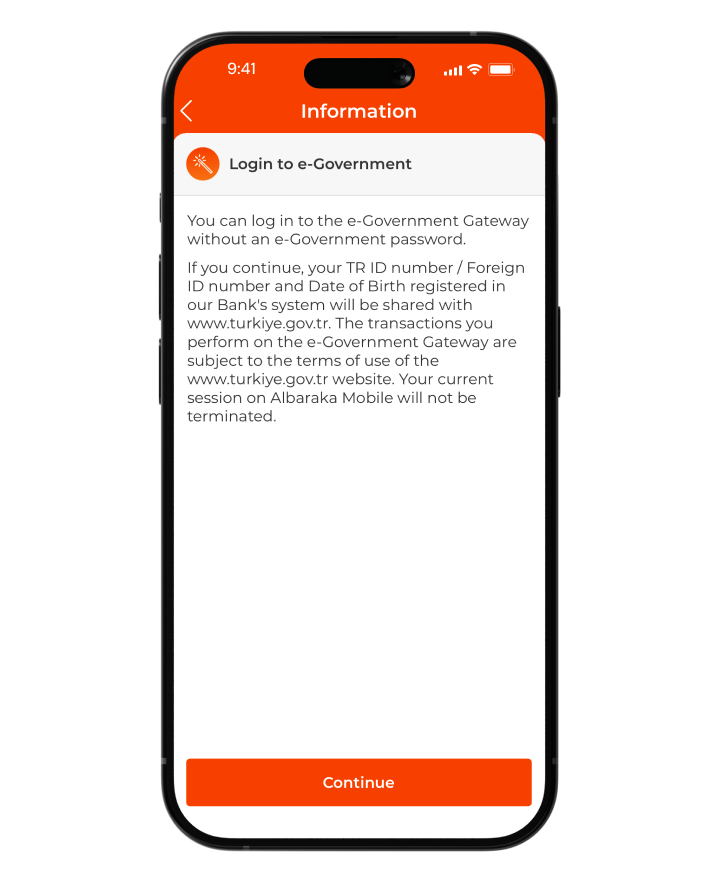
Accessing services provided by public institutions is now easier than ever through the e-Government system, offering a secure and efficient way to connect.

Mobile Assistant
You can ask questions to the Mobile Assistant 24/7 and instantly access the information you need.
TR QR Code Transactions
Through the TR QR Code Transactions menu, you can easily perform withdrawals, deposits, and postal payments by simply scanning a QR code, without the need for your card.
Western Union
With Western Union, transferring money anywhere in the world is now fast and easy. You can complete your money transfer transactions via Internet Branch > Money Transfer > Western Union or through Albaraka Mobile > Money Transfers > Western Union.
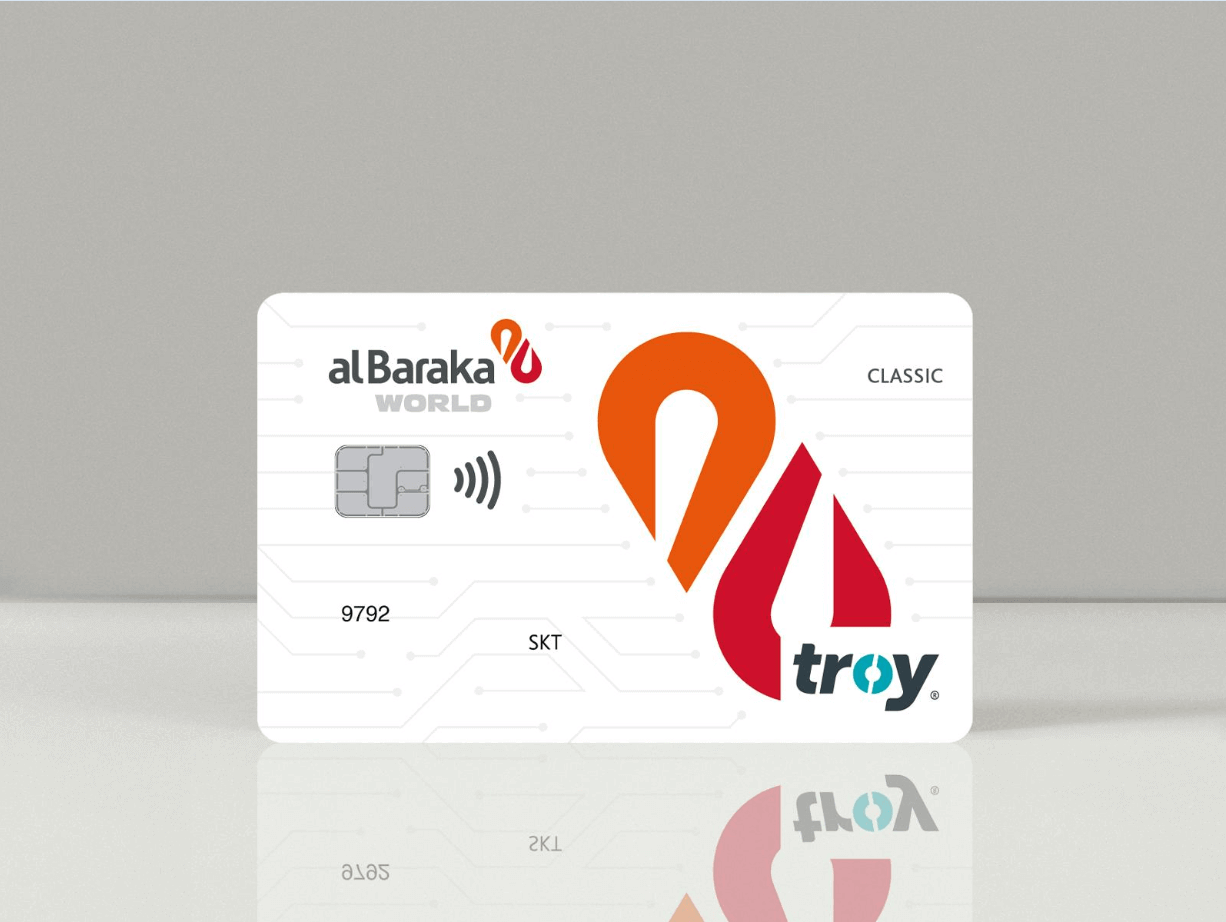
Credit Card Application
Apply now for a credit card that best suits your needs, with exclusive benefits, flexible installment options, and secure payment features. Enjoy a seamless shopping experience with ease.

Individual Retirement Application
To secure a happy and comfortable retirement or invest in your children's future, you can submit your application via Internet Branch or Albaraka Mobile.
.png)
Open Banking
By granting account access to your accounts at other banks, you can track all your banking transactions from a single platform.

Easy Address
By defining a ''Easy Address'' for your Albaraka accounts, you can make your money transfer transactions faster and easier.

Insurance Application
You can now apply for insurance directly through our Internet Branch. Apply today for DASK, Traffic, Comprehensive, Unlimited IMM, Home, and Property insurance to protect your assets and valuables.
Opening Silver Account
Easily open a silver account via Internet Branch, perform silver buying and selling transactions, and invest securely with Albaraka Türk.
Branch Instructions
With this function, accessible from the Transactions menu, you can approve the instructions for Wire Transfers, Money Transfers, EFT, and Currency Transactions given to the branch.
Display of Profile Information
You can view your registered address , e-mail , telephone information and education and occupation information.

Money Withdrawal with QR from Other Banks' ATMs
With Albaraka Mobile, you can withdraw money from other bank ATMs with QR. You can withdraw money by scanning the QR code available on other Bank's ATM screens by clicking on ''Other Banks'' tab in QR Transactions > QR Withdrawal menu via Albaraka Mobile.
HGS Transactions
By following the steps Transactions > Payments > HGS Transactions in Albaraka Mobile, you can check your HGS balance and load funds onto it.
Rental Certificate (Sukuk)
You can buy and sell Rental Certificates (Sukuk) by following the steps: Transactions > Investment Transactions > Rental Certificate Transactions. Sukuk is an interest-free capital market product that can be traded in secondary markets.
.png)
Fund Buy/Sell
Through this menu, you can perform Fund Buy/Sell transactions using your Albaraka Saving account. Simply select the fund you wish to purchase and enter the quantity or amount to proceed with your transaction.

Investment Portfolio Information
Through the Investment Portfolio Information menu, you can view your rental certificates, stocks, and funds, and access detailed information about each.
Religious Affairs Payments
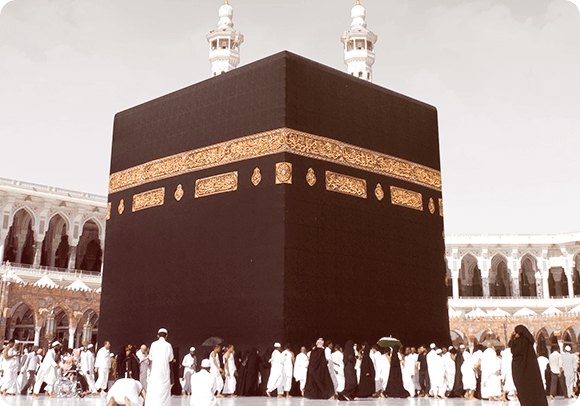
Now, you can make your Hajj Preliminary Collection, Hajj Final Collection, Hajj Health Personnel Exam payments and you can submit a final registration refund request. You can also pay for Umrah and create a refund request.
Opening an Investment Account
Open your investment account today and start making your investments quickly and securely. Expand your investment portfolio with stocks, mutual funds, rental certificates, and other investment instruments to achieve your financial goals.
Alba
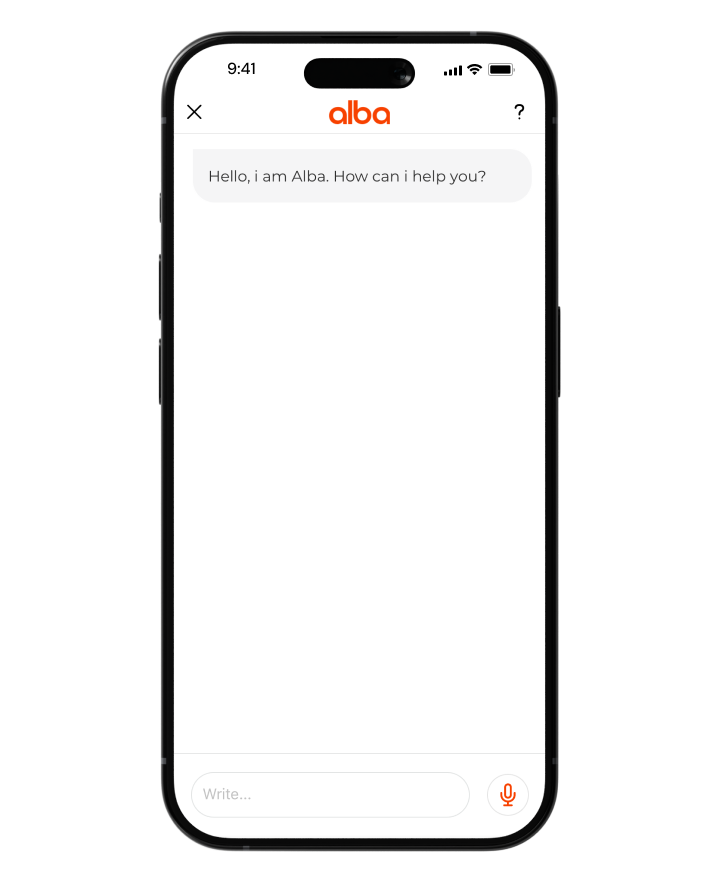
With our digital assistant Alba, you can carry out your banking transactions faster and more easily. You can also receive voice or written support either before logging in or after logging in.
Customizable Homepage
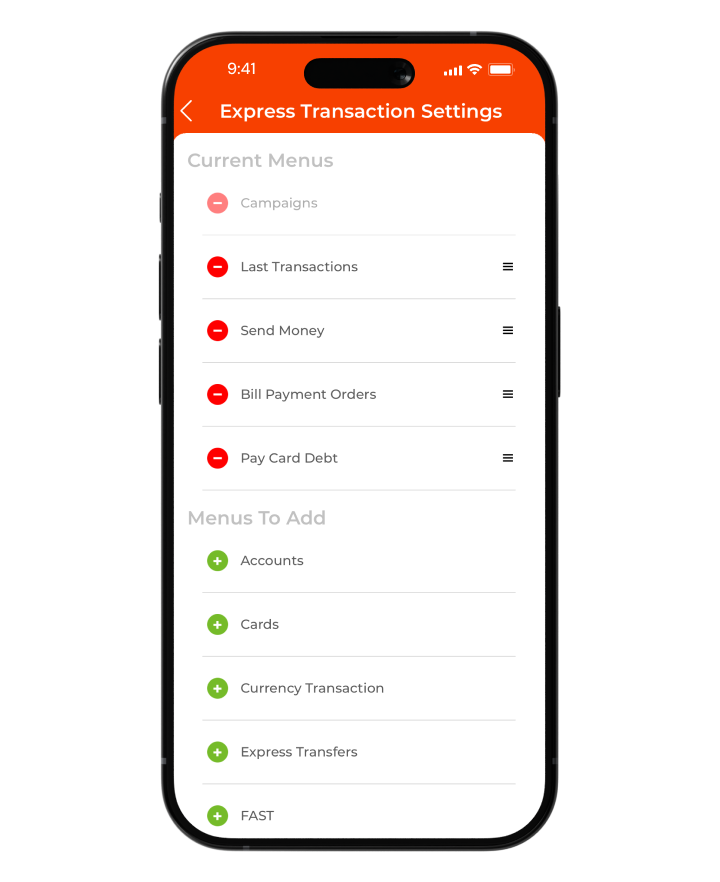
You can choose to display or hide your Assets / Liabilities information on the homepage, set up Quick Actions for easy access, and perform related transactions swiftly without navigating to other menus.
Cash Deposit and Withdrawal with QR Code
With the QR code option in Albaraka Mobile, you can withdraw and deposit money from your accounts by simply scanning the QR code generated on the ATM screen.
e-Government Gateway Access
After logging in to Albaraka Mobile, you can easily access the e-Government Gateway without needing to re-enter your password.